 Baton
Baton Chapter 15
Settings, licensing and trouble
15.1Settings
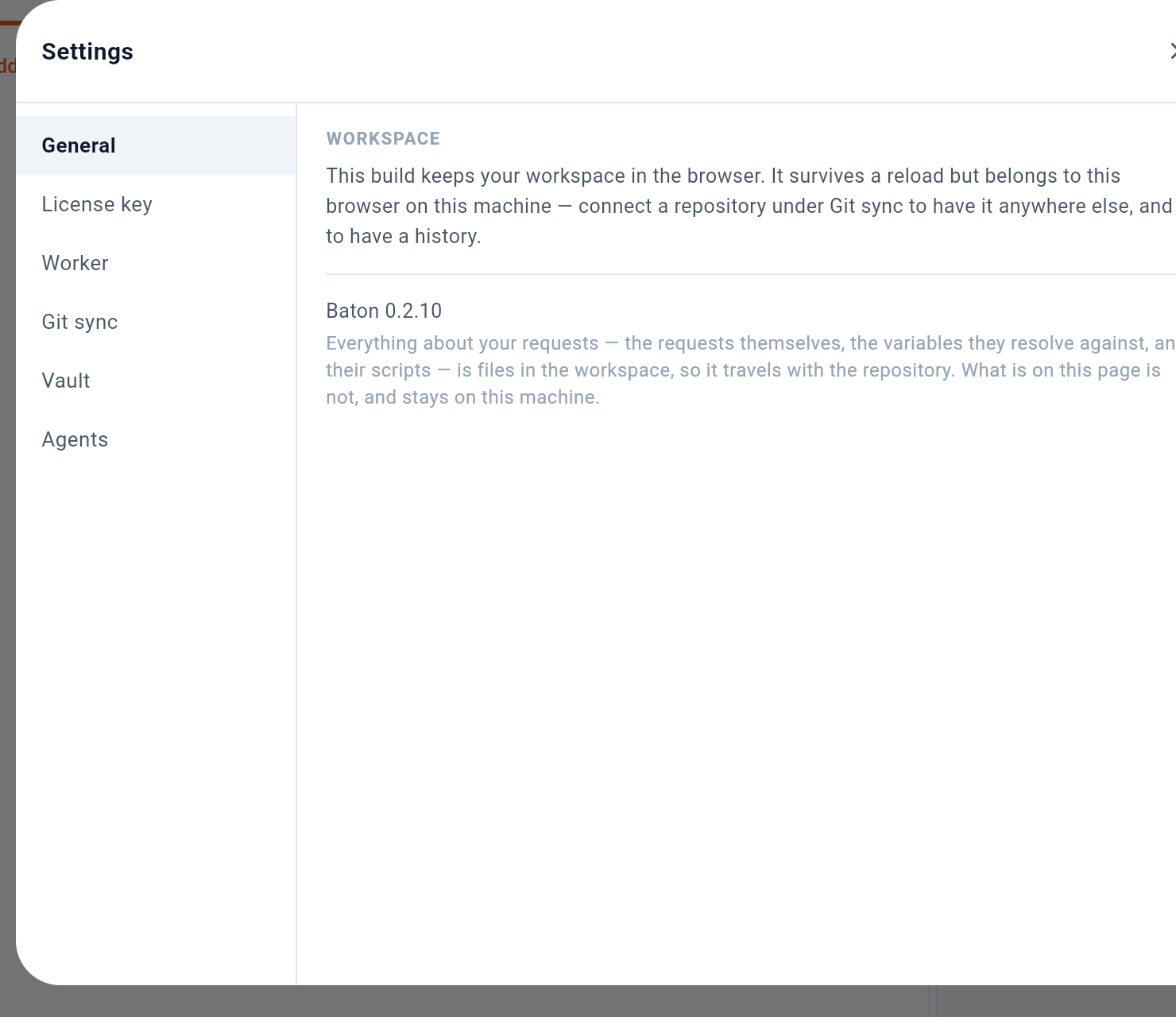
1 is the six groups: General for the workspace and updates, License key, Worker pairing, Git sync, Vault (Section 7) and Agents (Section 14). The workspace settings here — timeout, redirects, TLS validation, extra CA, client certificate, proxy — are written to baton.yaml and so travel with the repository.
15.2Licensing
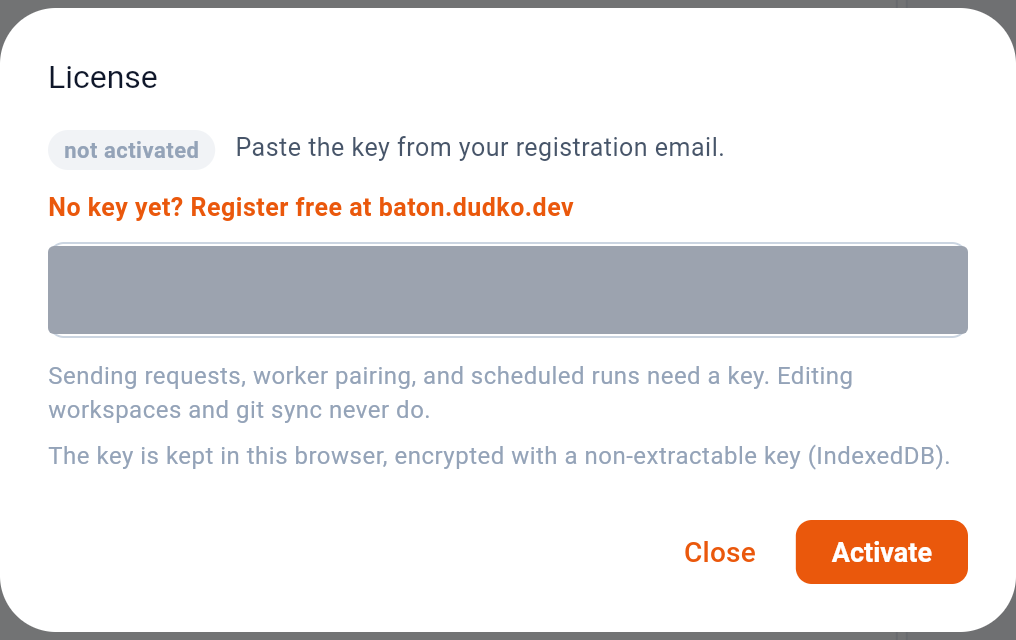
Paste the key from the registration email into 1 and press 2. A free key comes from baton.dudko.dev and is valid for six months; registering again with the same address renews it.
Verification is offline. The key is checked against a public key built into the app, so Baton never calls home to validate it and works air-gapped.
| Needs a key | Never needs one |
|---|---|
| Sending a request | Creating and editing workspaces |
| Pairing a worker | Collections, requests, variables, secrets |
| Scheduled runs | Git sync — commit, push, pull, conflict resolution |
15.3When something does not work
| What you see | What it means |
|---|---|
ResolveError: unresolved secrets: … | A secret has no value on this machine. Nothing was sent. Set it in Variables & secrets. |
A {{reference}} is red in the URL | It does not resolve against the active environment — wrong environment, or a typo in the name. |
the browser blocked this request | The API sends no CORS headers for this page. Pair a worker, or use the desktop app. The request may still have reached the API. |
Sending needs a license key | No key on this machine. Editing and git sync keep working without one. |
| The cookie jar stays empty in a browser | A page may not read or set cookies for another site. Not a bug, and not something Baton can route around. |
Request canceled. | You pressed the square on Send. The connection was dropped. |
15.4Keeping up to date
Desktop builds check for a new version against the site and offer to install it; the check carries no identifier and can be turned off in Settings. Store builds update through the store. The browser build is whatever the site is serving — reload to pick up a new one.