 Baton
Baton Chapter 14
AI agents
Baton ships an MCP server, @dudko.dev/baton-mcp, so an AI agent — Claude Code, Cursor, VS Code, Codex — can list, read, edit and run the requests in a workspace. It is a program on your own machine, started by the agent’s host like any other MCP server; nothing about it passes through a service of ours.
14.1Connecting an agent
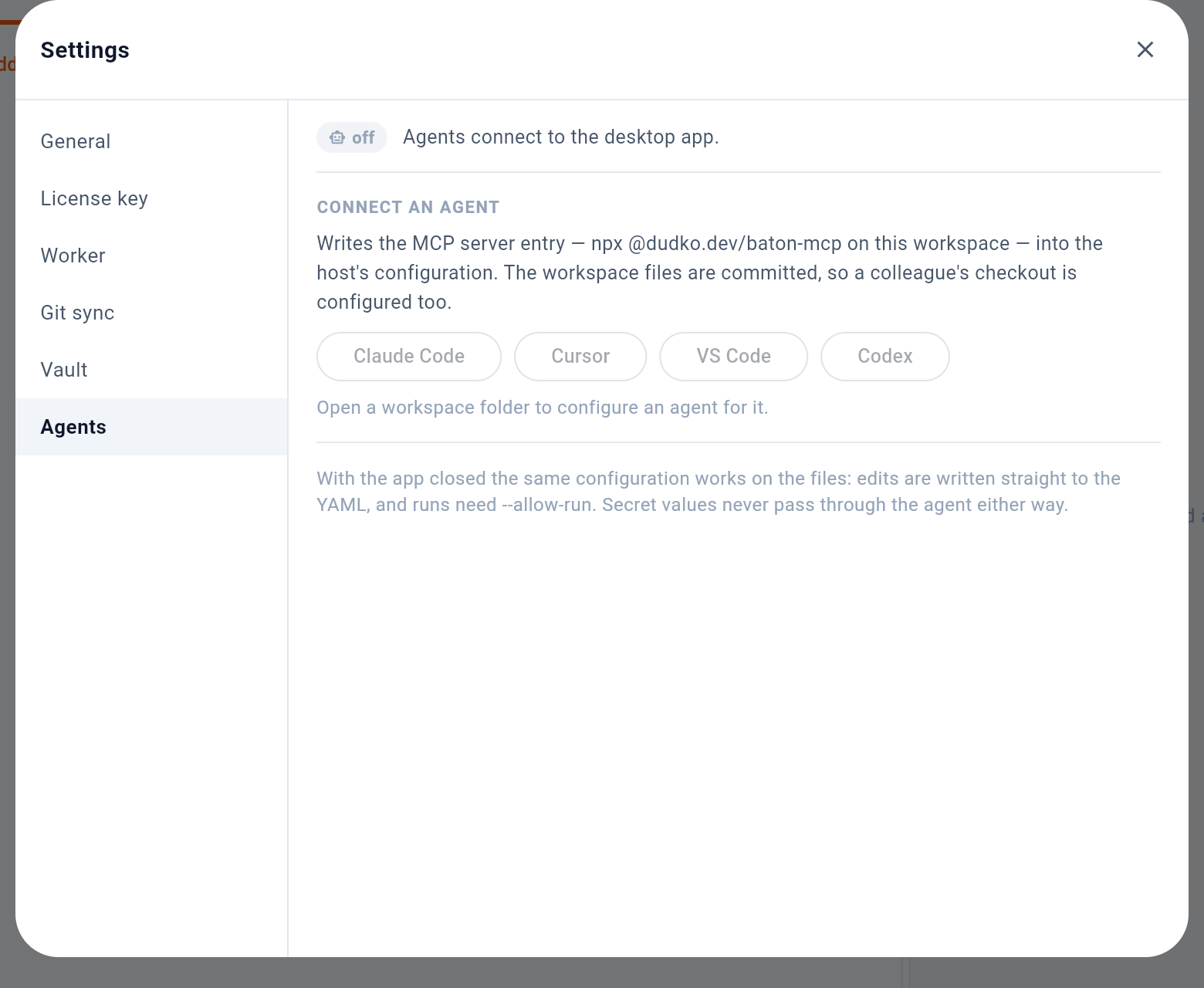
- Whether the app is listening for agents
- Write the MCP entry for one host
- Without the app: the same entry works on the files
1 says whether the app is listening for agents. 2 writes the MCP entry for one host — npx @dudko.dev/baton-mcp on this workspace — into that host’s configuration inside the workspace. The configuration is committed with the rest, so a colleague’s checkout is set up too. The buttons need a workspace folder, which is why they are greyed out in a browser. 3 is the other way an agent works, below: with the app closed, the same entry still works on the files.
14.2Through the app, or on the files
When the desktop app has the workspace open, the agent works through the app:
- Edits are drafts. An agent’s change to a request lands on that request’s tab as unsaved edits, exactly as if it had been typed, with a banner naming the agent. Accept saves it, Accept all saves every agent draft waiting, and Discard puts the file’s content back.
- Sends run in the app, with the app’s secrets, cookies and OAuth tokens and through the same steps as Send, so the response panel shows the result. The agent gets the status, headers, timing, tests and up to 16 KB of the body.
- Production asks first. A send from an agent into an environment marked production (see the chapter on variables), and every deletion, waits for you to confirm it in the app. A refusal reaches the agent as your decision.
The app listens on 127.0.0.1 only, with a token made for that launch, and answers nothing else — not another machine, not a web page. The switch in Settings → Agents turns it off.
With the app closed — and always in a browser or on a phone, neither of which can listen for an agent — the agent works on the files: its edits are written straight to the YAML, and it cannot send anything unless the server was started with --allow-run.
The agent does not commit. Whatever it changed is in the working tree, and committing it is yours to do — or to tell it to do — like any other change.