 Baton
Baton Chapter 10
Scripts and tests
Two scripts hang off every request: one runs before it is sent, one after the response arrives. Both are JavaScript, and both are sandboxed — a timeout, no filesystem, no ambient network. The only way out is the baton.* API.
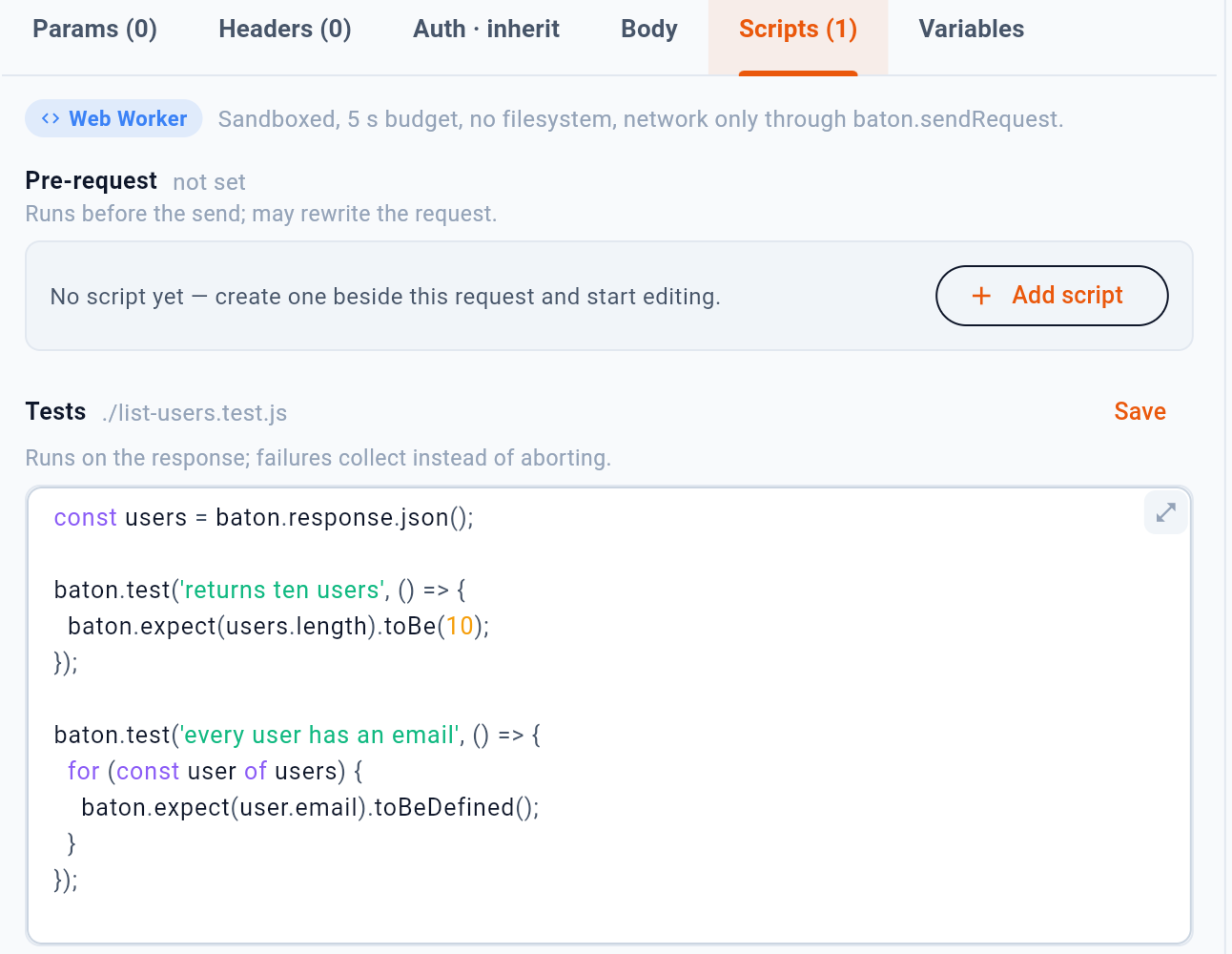
- The engine, and what it is allowed to do
- Add a pre-request or test script
- Save the script with the request
10.1What a script can do
| Call | Does |
|---|---|
baton.vars.get(name) | Read a variable — never returns a secret |
baton.vars.set(name, v) | Set one for the rest of the session |
baton.secrets.get(name) | Read a secret — never returns a variable |
baton.request.* | Inspect or change what is about to be sent |
baton.response.* | Status, headers and body, in the test script |
baton.test(name, fn) | Declare a test; the name appears in the console |
baton.sendRequest(…) | Send another request from the script |
console.log(…) | Write a line to the console |
The split between vars and secrets is deliberate: a script cannot read a secret by guessing it is a variable, and the completion list offers each call only the names it can actually resolve.
10.2Tests
A test is a named assertion that runs against the response:
baton.test("returns ten users", () => {
  const users = baton.response.json();
  if (users.length !== 10) throw new Error(`got ${users.length}`);
});
Its name is what appears in the console, and in the collection runner’s per-request count. Write the name as the thing that should be true — the console then reads as a list of statements about the API rather than a list of functions.