 Baton
Baton Chapter 14
Settings and trouble
14.1Settings
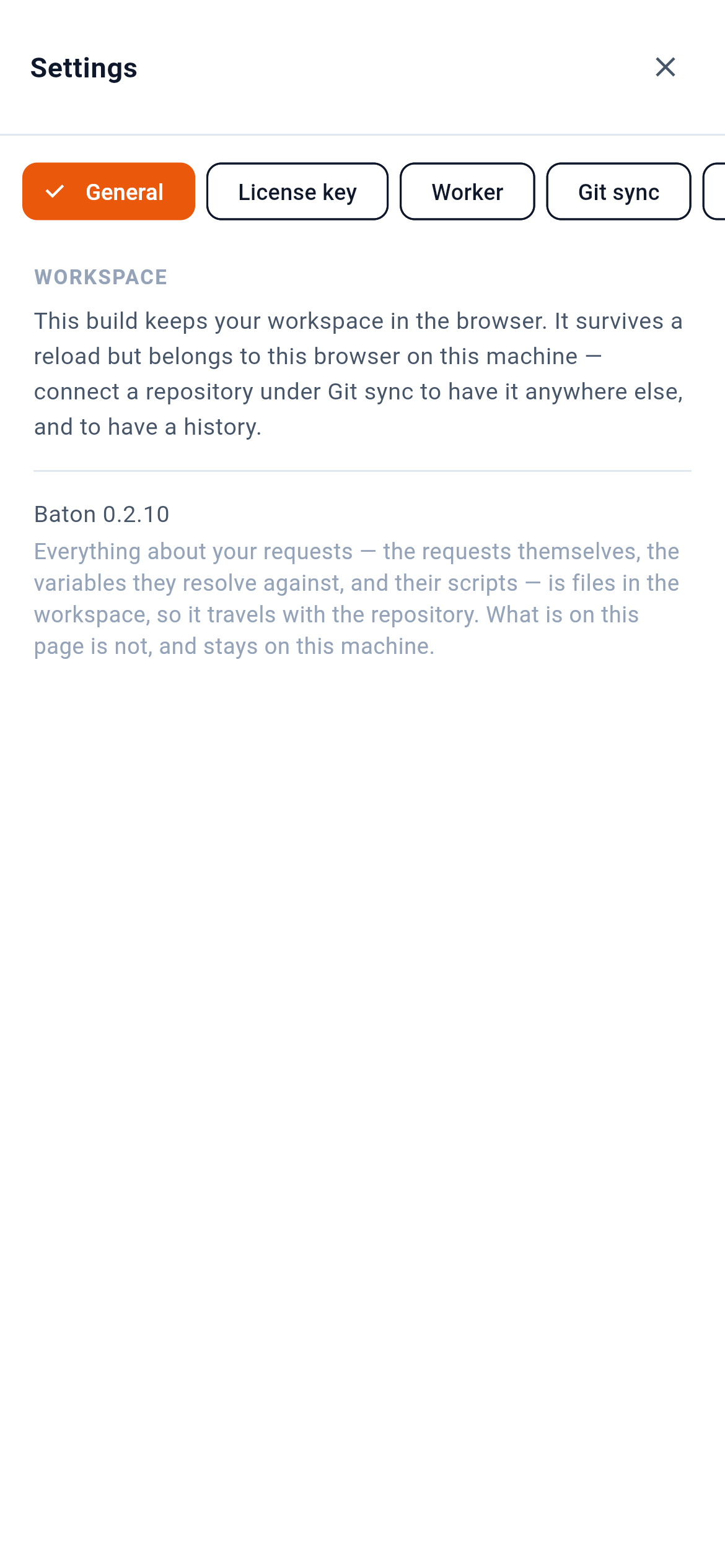
1 is the groups, a row that scrolls sideways: General for the workspace, Worker pairing, Git sync, Vault (Section 7) and Agents. The picture also has License key, which only the build from the site has (Section 15). 2 says where this build keeps the workspace — in the browser here, inside the app in the store apps. The workspace settings here — timeout, redirects, TLS validation, extra CA, client certificate, proxy — are written to baton.yaml and so travel with the repository.
14.2No license key
The apps from the App Store and Google Play need no key and lock nothing: the store handles the purchase. The key, its dialog and the license row in the drawer belong to the browser build these pictures come from, and to the desktop builds downloaded from the site.
14.3When something does not work
| What you see | What it means |
|---|---|
ResolveError: unresolved secrets: … | A secret has no value on this phone. Nothing was sent. Set it in Variables & secrets. |
A {{reference}} is red in the URL | It does not resolve against the active environment — wrong environment, or a typo in the name. |
Request canceled. | You pressed the square on Send. The connection was dropped. |
14.4Keeping up to date
Desktop builds check for a new version against the site and offer to install it; the check carries no identifier and can be turned off in Settings. Store builds update through the store. The browser build is whatever the site is serving — reload to pick up a new one.